
Understand the terms.
Print with more confidence.
From Partial Clog to IDEX: practical explanations of 3D-printing, slicer, calibration, hardware and multi-material terms used throughout LayerCompass.

Partial Clog
A partial blockage: filament still exits the nozzle, but flow becomes inconsistent or collapses at higher demand.
Explain this term →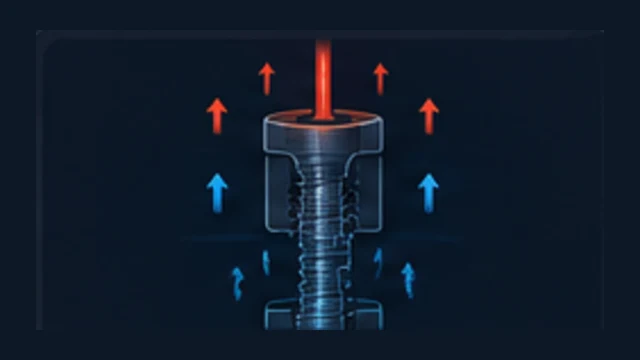
Heat Creep
Heat travels too far up the hotend and softens filament above the intended melt zone.
Explain this term →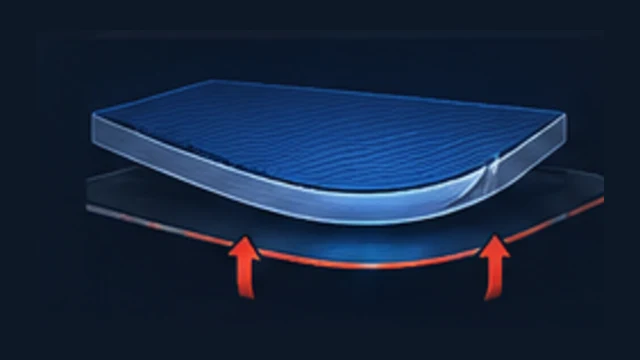
Warping
Corners or edges lift from the build plate as the part shrinks and develops thermal stress.
Explain this term →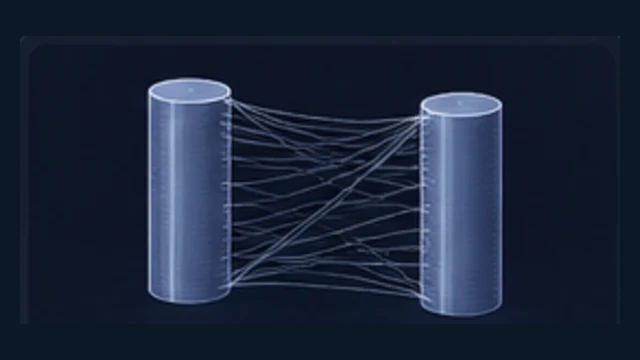
Stringing
Fine strands form between separated areas when molten plastic leaks during travel moves.
Explain this term →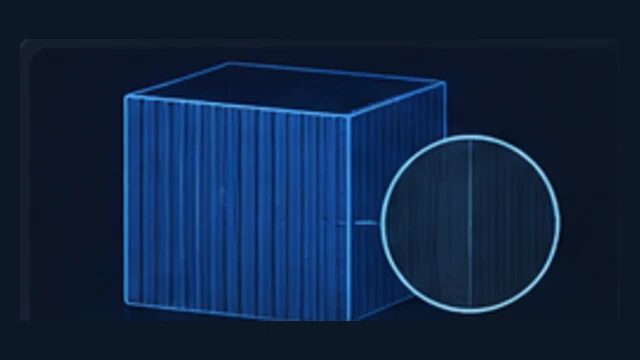
VFA – Vertical Fine Artifacts
Fine, regularly repeating vertical patterns on smooth outer walls.
Explain this term →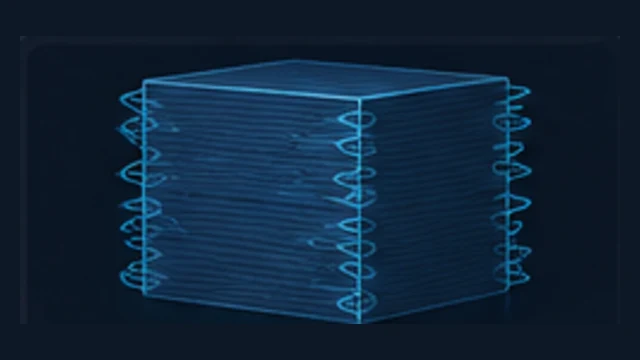
Ringing / Ghosting
Decaying waves that appear after corners, edges or abrupt direction changes.
Explain this term →
Pressure Advance
Compensates for pressure buildup and release in the extrusion system during acceleration and deceleration.
Explain this term →
Max Volumetric Speed
The maximum stable material throughput of a specific filament, nozzle and hotend setup, measured in mm³/s.
Explain this term →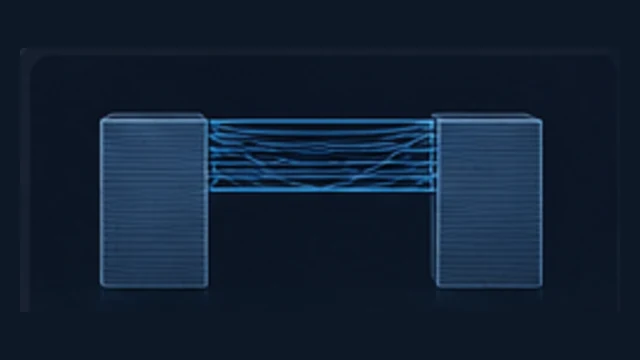
Bridging
Printing a strand across open space between two supported points without support directly underneath.
Explain this term →
Arachne
A wall generator that adapts extrusion width to the model geometry.
Explain this term →
Layer Height
The height of one printed layer — a major trade-off between detail, print time, strength behavior and surface appearance.
Explain this term →Purge / Flushing
Intentional extrusion during a color or material change to displace the previous filament from a shared melt path.
Explain this term →Prime Tower
An auxiliary printed structure used to stabilize extrusion after a color, material or tool change.
Explain this term →Flush into Infill
Redirects part of the required transition purge into model infill instead of sending all of it to external waste.
Explain this term →Modifier Mesh
A helper volume that overrides slicer settings only inside a defined region of a model.
Explain this term →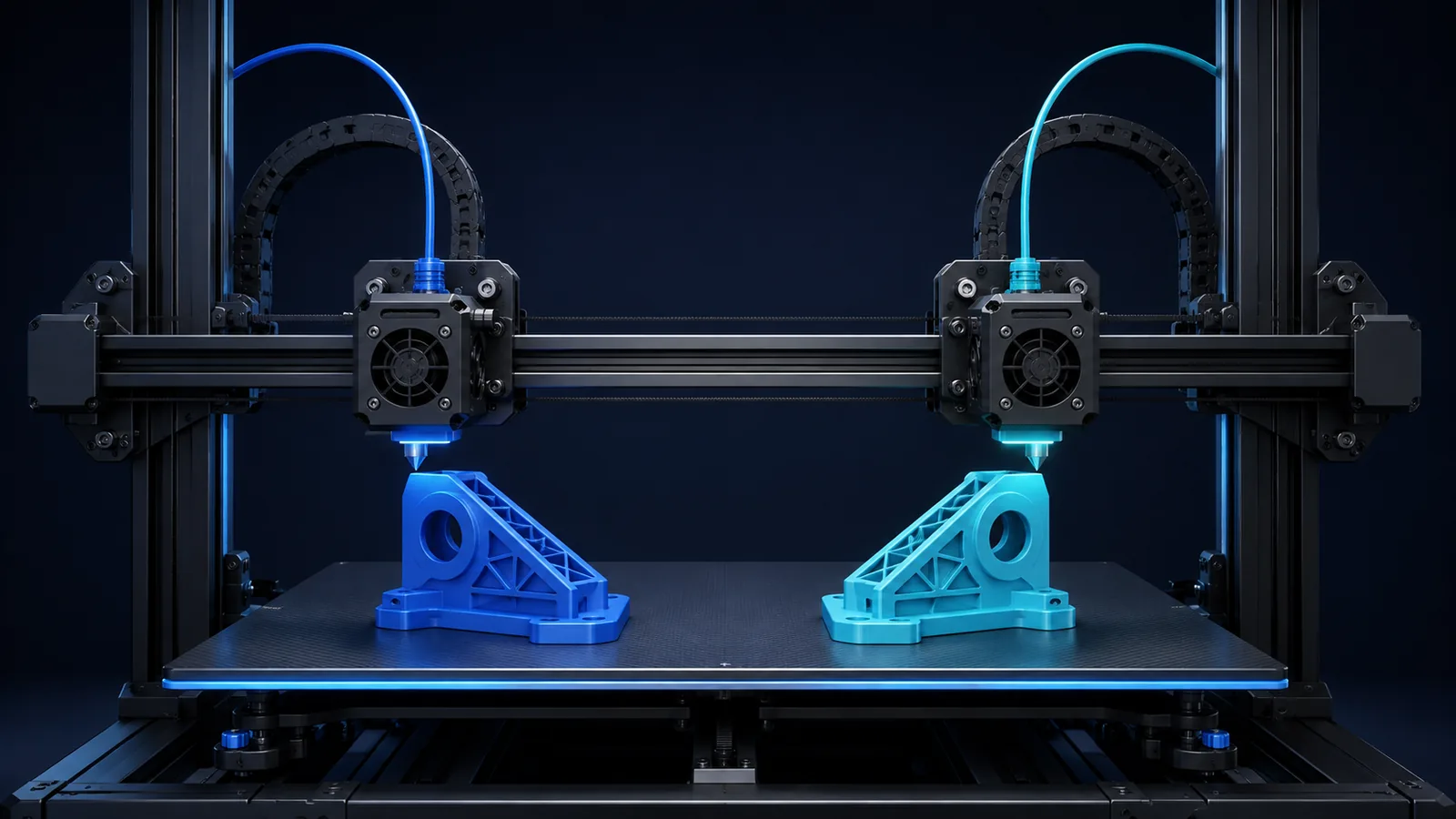
IDEX
Independent Dual Extruder: two independently moving print heads sharing the same X axis.
Explain this term →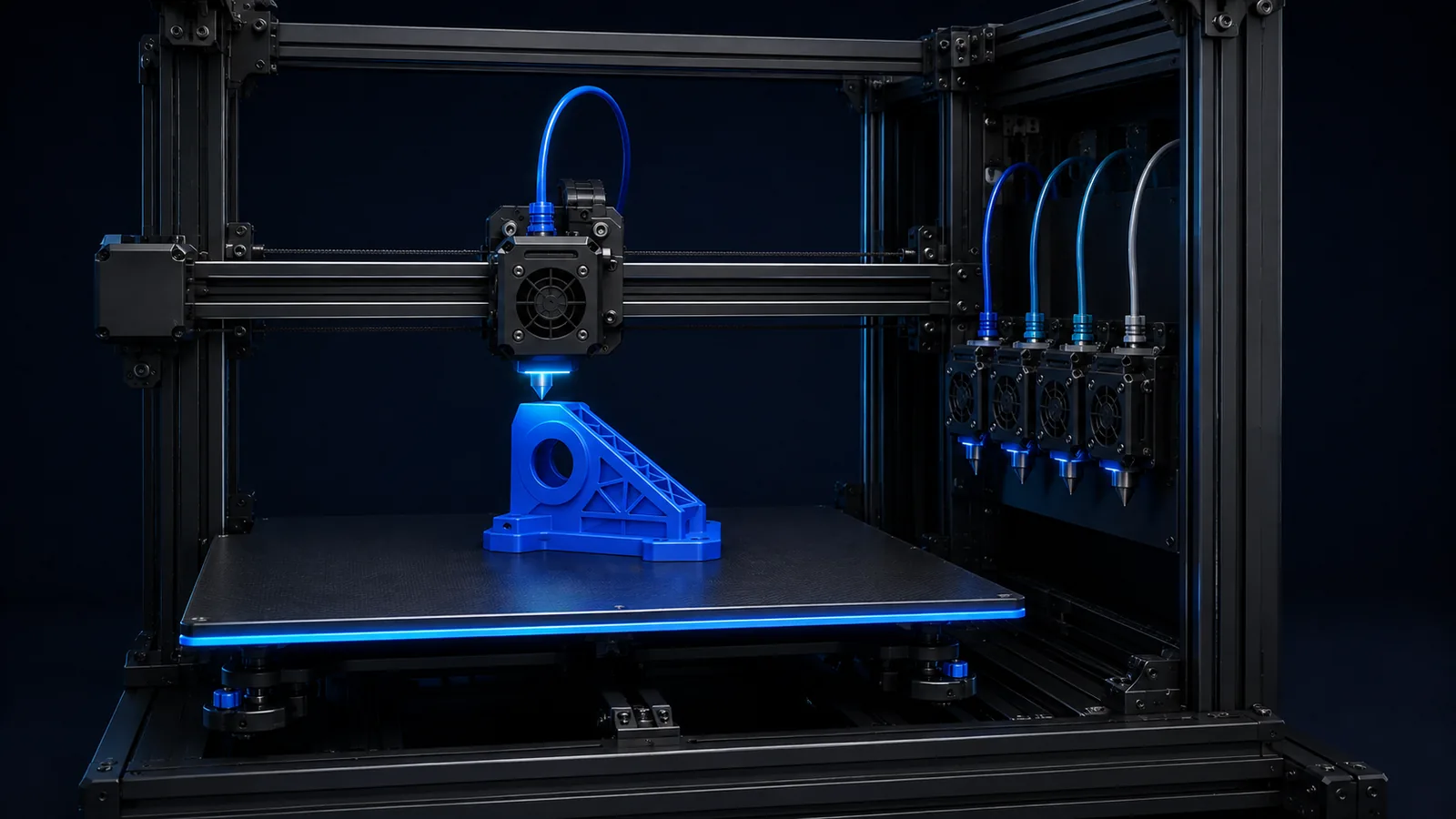
Toolchanger
A printer system that automatically parks and swaps complete tools or printheads.
Explain this term →Adaptive Layer Height
Variable layer height within one model: finer on detailed slopes, coarser where geometry is less sensitive.
Explain this term →
Hull Line / Benchy Hull Line
A horizontal bulge or line at a specific height, often tied to geometry, density or layer-time transitions.
Explain this term →
Bed Mesh
A measured map of build-plate height variation that the printer can compensate for during printing.
Explain this term →
Ironing
A finishing pass on flat top surfaces where the hot nozzle smooths the surface with very low additional flow.
Explain this term →
Ironing Inset
A distance that keeps the ironing toolpath away from the outer contour to reduce edge smearing.
Explain this term →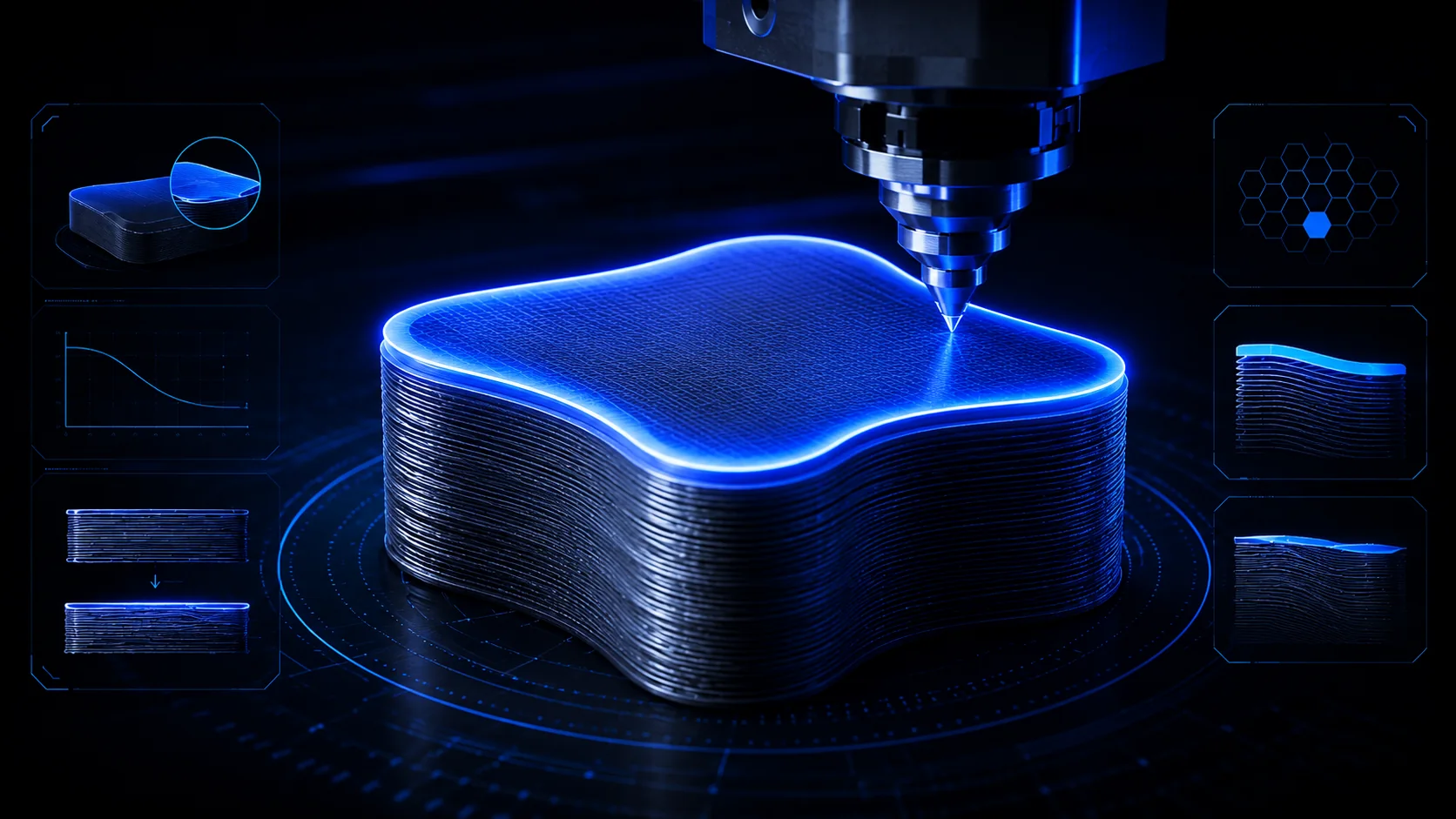
Topmost Surface
Only the highest visible top surface of a model, often used as the selective target for ironing.
Explain this term →
Monotonic Top Surface
A top-surface line order that prints adjacent lines in a consistent sequence for a more even visible finish.
Explain this term →Annealing
Controlled heat treatment of a printed polymer part after printing.
Explain this term →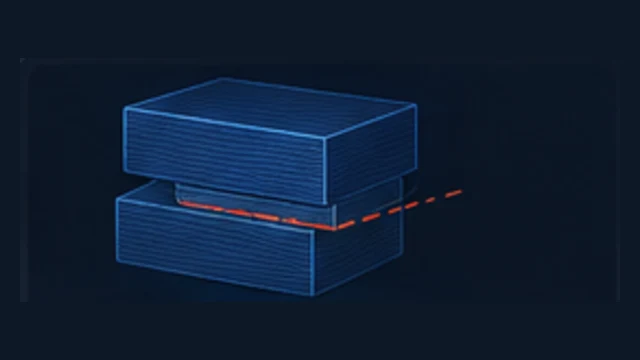
Layer Shift
One or more layers are printed sideways from the correct position and the rest of the print continues offset.
Explain this term →Diagnostics can link directly into the glossary so you can understand the concept without losing your troubleshooting path.