
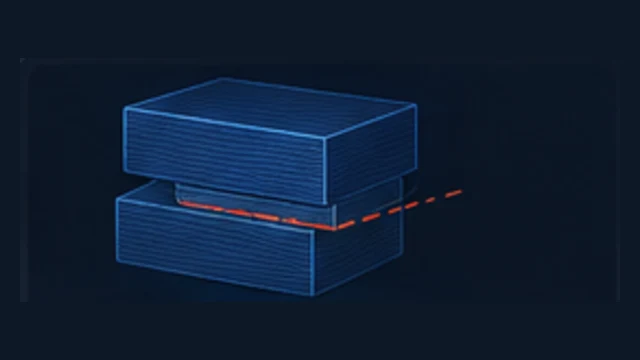
A layer shift means a motion axis lost its expected position. The root cause can be belt/pulley slip, motor/driver problems or a nozzle collision caused by warping, curling or excess material.
How do you recognize it?
- Sudden sideways offset from one layer onward
- Print continues in the new position
- A collision may happen just before the shift
Common causes
- Loose belt or pulley
- Motor/driver issue
- Nozzle hits warped or curled geometry
- Overextrusion creates raised areas
What should you check first?
- Inspect belts and pulleys.
- Look for warping/curling on the part.
- Check for overextrusion or collision marks.
- Fix the collision source instead of only adding Z-hop.