
Arachne explained
Variable line widths, thin walls and small details — benefits and limits.
Current OrcaSlicer features, calibration and optimization explained by what they actually change.
Topics are organized by practical value and current workflows — not by an outdated 3D-printing encyclopedia.
Create additional apparent colors from a few base filaments using layered mixing, CMYKW, gradients and toolchanger workflows.
Open guide → NewCalibrate flow, line spacing, speed, inset and direction instead of blindly copying defaults.
Open guide →Variable line widths, thin walls and small details — benefits and limits.
Combine current bridge options, cooling, flow, speed and direction.
Travel, acceleration, line width, infill and Z-hop with a focus on real time savings.
Create, engrave and position labels directly in the slicer.
Use PLA/PETG as a separable support interface with appropriate multi-material settings.
Tune flush amounts, prime tower, flush-to-infill and toolchanger strategy for waste and reliability.
Put emerging layer strategies into context and judge when they become practically relevant.
Recently published content in this area.
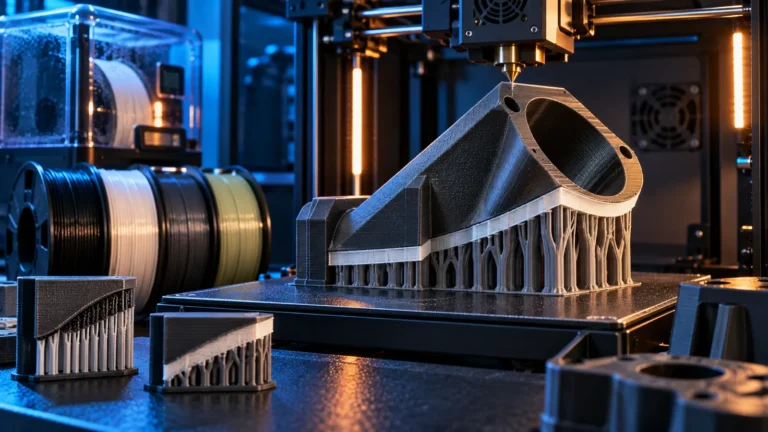
Support interfaces for ABS, ASA, PC and Nylon: breakaway and soluble materials, thermal compatibility, moisture, toolchangers and a practical engineering-material test workflow.

Use SVG files directly in the slicer: add logos, patterns and reliefs in Bambu Studio and OrcaSlicer as emboss, engrave, modifiers or…
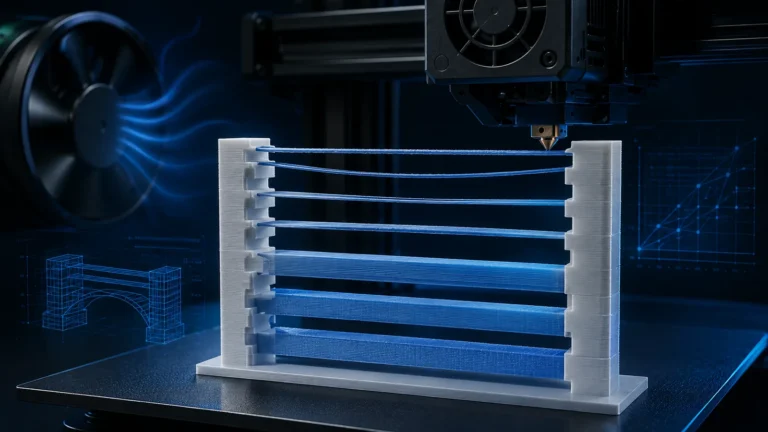
Improve bridging in 3D printing with a systematic OrcaSlicer workflow: Thick Bridges, Bridge Flow, Density, Line Width, speed, cooling and internal bridges…
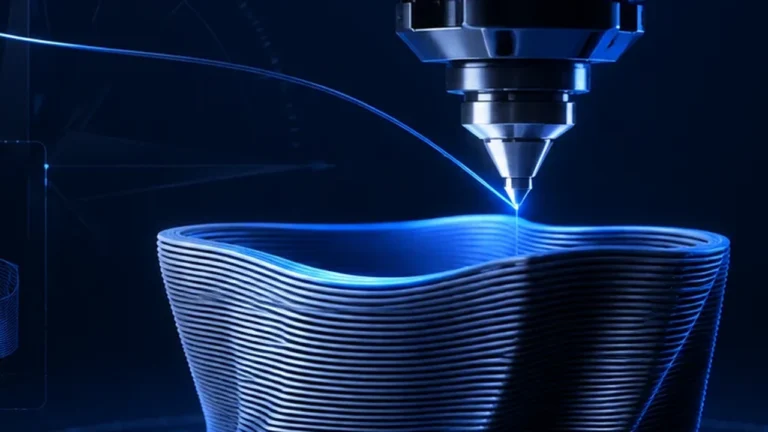
Use modifier meshes for local walls, infill and reinforcement. Covers screw bosses, height range modifiers, variable layer height and common mistakes in…

Ironing can make flat top surfaces dramatically smoother, but only when flow, line spacing, speed, inset, angle and the underlying top surface…
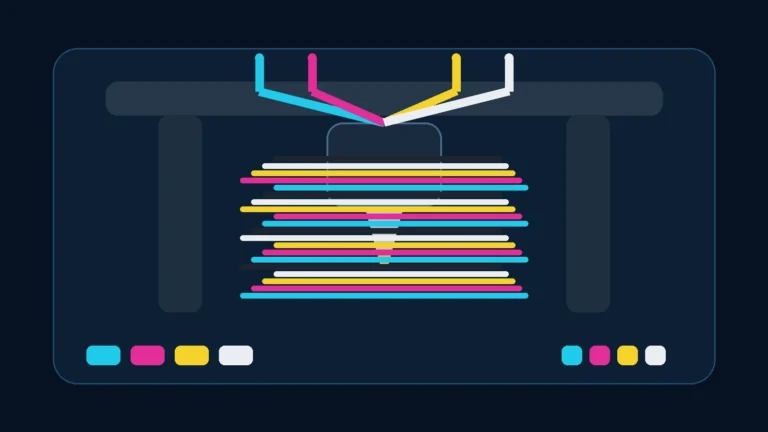
Full Spectrum and ColorMix create new apparent colors in FDM printing by deliberately alternating physical filaments through layers. Here is how Prusa…