
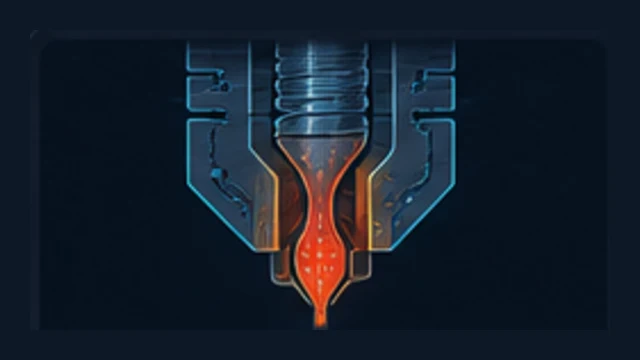
A partial clog restricts the nozzle, heatbreak or filament path without stopping extrusion completely. The printer may look fine at low flow and then underextrude when speed or line width increases.
How do you recognize it?
- Intermittent underextrusion
- Rough or inconsistent walls
- Uneven manual extrusion
- Failure appears first at higher flow
Common causes
- Debris or degraded plastic in the nozzle
- Damaged filament path
- Heat creep
- Residue inside the heatbreak
What should you check first?
- Extrude slowly by hand and inspect the strand.
- Inspect the extruder and filament path.
- Consider a cold pull if the hotend/material supports it.
- Do not compensate with extra flow before finding the restriction.