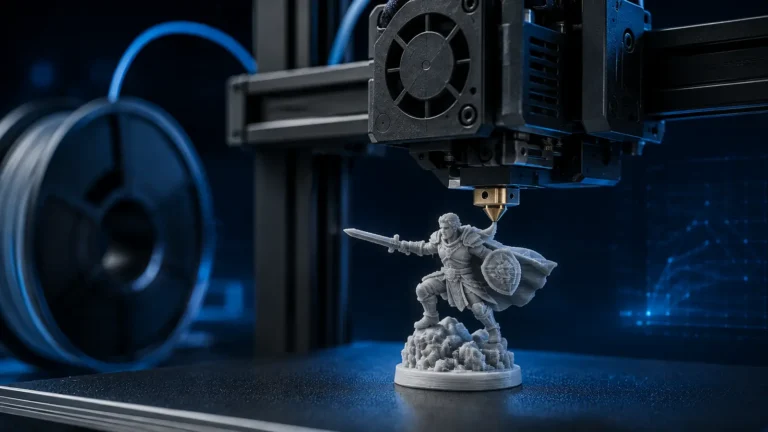
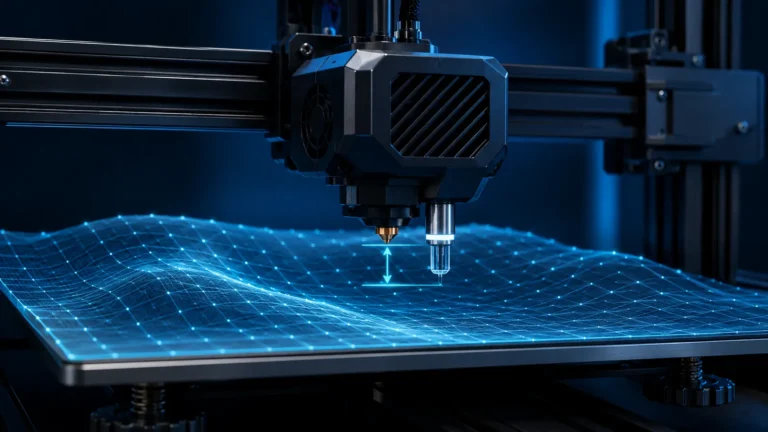
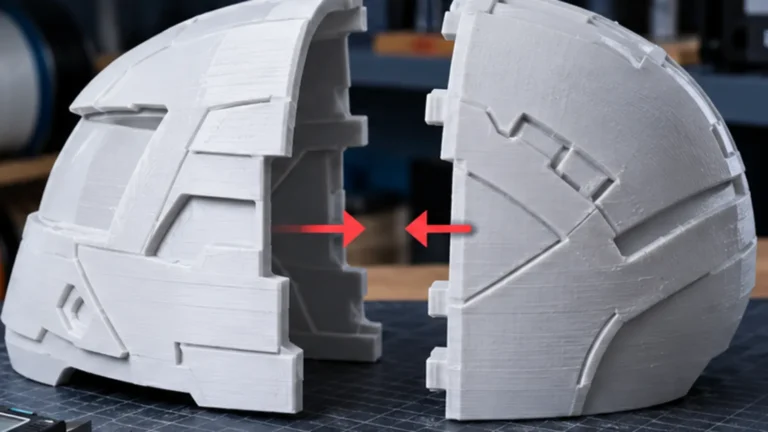
IDEX stands for Independent Dual Extruder: two printheads share the same X axis but can move independently. That independence is what makes IDEX more than ordinary “dual extrusion”. In addition to two-material printing, it enables Copy/Duplication Mode and Mirror Mode — workflows a standard single-nozzle multi-material printer cannot reproduce in the same way.
How is IDEX different from a conventional dual extruder?
On a traditional dual-extruder carriage, both nozzles are mounted to one shared moving assembly. When one nozzle moves, the other moves with it. That is mechanically simpler, but the inactive nozzle can travel over the printed object, drag contamination across the surface or collide with curled material. The carriage also carries both hotends all the time.
With IDEX, each extruder has its own X carriage. The heads typically still share the printer’s Y and Z motion, but they can be positioned or parked independently along X. The unused nozzle can therefore remain outside the active model area while the other head works.
The four common IDEX print modes
1. Normal / dual-material mode
In normal IDEX operation the two heads are used sequentially. One may print PLA while the second carries PETG for a support interface, PVA for soluble support, or simply a second color. The unused head parks away from the active print.
Compared with a single-nozzle material system, the key advantage is that materials do not repeatedly share the same melt zone. Changes can therefore be faster and require far less classic flushing. That does not mean zero overhead: a parked hotend can ooze, and after a long standby period the nozzle may need to re-prime. Wipers, an ooze shield or a small prime tower can still be useful.
2. Copy / Duplication Mode
In Copy Mode both heads move synchronously and print two identical parts at the same time. This is the IDEX function with the clearest productivity benefit.
The correct expectation matters: two simultaneous parts do not guarantee exactly twice the throughput. Heating, homing, calibration, acceleration limits and reduced usable X width remain. For suitable smaller parts, however, parts-per-job can increase dramatically.
| Example | Single-head workflow | Copy Mode |
|---|---|---|
| Two identical brackets | print A, then print B | both in parallel |
| Build area | nearly full width available | width per part is substantially reduced |
| Profiles | independent jobs possible | both sides must tolerate the same synchronized path |
| Productivity | one part per cycle | up to two parts per cycle when geometry fits |
Snapmaker’s J1/J1s documentation is a useful real-world example: the available build width is smaller in Copy Mode than in normal mode. That is not a quirk of one printer; it follows from two independent carriages needing space on the same X axis.
3. Mirror Mode
In Mirror Mode both heads also print simultaneously, but the second carriage follows a mirrored X-axis motion. The result is an original part and its left-right mirrored counterpart in the same job.
This is particularly useful for true left/right pairs: brackets, ducting, enclosure pieces, clips and mirrored prototypes. The benefit is not only speed — both parts are produced with the same material, temperature and near-identical environmental conditions.
4. Backup Mode
Some IDEX platforms add a Backup or spool-join-like mode. The second extruder takes over when the active one runs out of filament. Snapmaker explicitly documents this on the J1/J1s. It is not a defining requirement of IDEX; availability depends on printer firmware and manufacturer implementation.
Why IDEX is attractive for multi-material printing
AMS-, MMU- and ACE-style systems feed multiple filaments through one nozzle. That is compact and scales to several colors, but loading, unloading and flushing can become a major part of the print.
IDEX physically separates two materials through two hotends. This is especially useful when materials should not contaminate each other or need different temperatures. Typical examples include:
- PLA + PETG support interface: separation without repeatedly swapping polymers through one nozzle.
- Model material + soluble support: a dedicated hotend for PVA/BVOH-type supports.
- Rigid + flexible materials: where the printer’s feed path and mechanics can handle both reliably.
- Two colors: typically far less classic purge waste than a single-nozzle change.
Still, “two nozzles means zero waste” is too simplistic. The challenge changes from large flush volumes to oozing, wiping, priming, standby temperature and restart behavior.
IDEX vs toolchanger vs AMS/MMU
| System | Main strength | Typical limitation |
|---|---|---|
| IDEX | two independent heads, Copy/Mirror, two real hotends | usually two immediately available tools; more mechanical complexity |
| Toolchanger | multiple complete hotends/tools, highly flexible materials and nozzles | tools are used sequentially; no true Copy/Mirror without a second independent carriage |
| AMS/MMU/ACE-style | many filaments with compact mechanics | shared nozzle, loading time and often significant purge/flush |
| Conventional dual extruder | two nozzles without a toolchange | both nozzles share one carriage; inactive nozzle remains over the model area |
There is no universal winner. A user who mainly wants decorative four- or eight-color prints may prefer an automated single-nozzle system. Someone who routinely combines two materials or wants parallel production benefits more from IDEX. A user who needs three, four or more genuinely different tools gets more scalability from a toolchanger.
IDEX + toolchanger: why the Sovol M1D matters in 2026
The Sovol M1D has brought renewed attention to IDEX in 2026 because it combines two independent X carriages with a toolchanger. One carriage carries a fixed head while the other can select from several tools. Two technologies that were usually separate are therefore combined in one desktop machine.
The concept is interesting because the fixed IDEX head can hold a frequently used model or support material while the second carriage swaps additional colors or materials. At the same time, the dual-carriage architecture keeps Copy and Mirror capability.
Copy Mode: when does it actually pay off?
Copy Mode is strongest for small-batch production of identical parts. Two brackets, clips, housings or adapters can be produced in parallel as long as each part fits inside the reduced IDEX work zone.
It is less valuable for large parts that already need most of the bed width. On very long jobs, the theoretical time saving can also be reduced if calibration is lengthy or if one failure destroys two parts at once.
Copy Mode is a strong fit when …
- you regularly need identical parts,
- the parts fit comfortably inside the split work area,
- both heads are well matched mechanically and thermally,
- throughput per cycle matters more than maximum individual part size.
Copy Mode is less compelling when …
- you mostly print one-off models,
- your parts need nearly the full bed width,
- the two heads frequently require separate tuning or maintenance,
- your real bottleneck is post-processing, material handling or operator time.
Mirror Mode is more useful than it first appears
Mirror Mode is sometimes dismissed as a novelty because many users do not routinely print mirrored pairs. In functional projects it can be genuinely practical: left/right mounts, feet, clips, covers and enclosure components can be produced in one coordinated job.
Compared with two separately sliced prints, the parallel workflow also keeps process conditions closely matched.
The hardest IDEX task: calibrating two nozzles to each other
IDEX requires more alignment work than a single-hotend printer. The critical values are the X/Y offsets between nozzles and their relative Z height. A nozzle that sits slightly too low can scrape printed areas or damage the surface during a tool change. One that sits too high can leave gaps or weaken the interface between materials.
Copy/Mirror adds another requirement: both heads should have similar extrusion behavior. Different nozzle wear, flow calibration or heater response can make two simultaneously printed parts look noticeably different.
Before a critical IDEX job, check
- X/Y toolhead offset or automatic alignment calibration
- relative Z/nozzle height
- matching nozzle diameter for Copy/Mirror
- flow and Pressure/Linear Advance per extruder
- wipers and parking positions
- standby and active nozzle temperatures
Oozing: the classic two-hotend problem
A parked nozzle still contains molten polymer. Keep it too hot and filament can leak out. Cool it too aggressively and restart takes longer or begins under-primed. IDEX therefore needs a sensible standby-temperature strategy.
Prusa documents the same underlying physics on its multi-tool XL: parked hotends cool down because long hot standby periods can promote material degradation, melt-zone pressure and oozing. The implementation is different, but the principle applies directly to any multi-hotend workflow.
Does IDEX need a prime tower?
Not always, but sometimes. After a long parked period, a short prime can stabilize nozzle pressure and remove ooze. With two colors of the same polymer this can require dramatically less material than a full single-nozzle flush. With sensitive material combinations, however, removing the tower purely to save filament can reduce reliability.
Our Purge / Prime Tower optimization guide explains the different waste mechanisms of single-nozzle, toolchanger and multi-nozzle systems in more detail.
Can IDEX use different nozzle diameters?
In normal dual-material mode, an IDEX platform can theoretically use different nozzle diameters if slicer, firmware and printer profile support it correctly. That can be useful for a fine-detail tool plus a larger support or bulk-extrusion tool.
For Copy and Mirror, however, different nozzle diameters are usually a poor fit because both heads reproduce the same synchronized motion. Different line widths, volumetric flow requirements and layer limits work against that symmetry. Matching hardware is the safer assumption.
Can IDEX really print twice as fast?
For one single part: usually no. The major speed benefit comes from Copy/Mirror because two parts are produced at once. Even there, “2× faster” is an oversimplification.
A better metric is parts per hour. If two identical components take 3:10 hours together instead of two separate 3:00-hour jobs, throughput has improved strongly — but not by a perfect factor of two.
Who benefits most from IDEX?
- Small-batch makers: produce identical parts in parallel.
- Left/right pairs: Mirror Mode avoids a second separate job.
- Support interfaces: combine two materials without repeated single-nozzle flushing.
- Prototyping: two colors or materials with physically separate hotends.
- Technically inclined users: more flexibility in exchange for more alignment and maintenance work.
When is another system probably better?
If your main goal is decorative multi-color printing with many filaments, an automated single-nozzle material system is often more compact and easier. If you need many different nozzle types or materials inside one job, a multi-tool toolchanger scales better. And if you only occasionally need two materials, the extra IDEX mechanics may simply not be worth the complexity.
Conclusion
IDEX is not merely “dual extrusion with two heads”. Independent motion is the defining capability. That is what enables Copy/Duplication and Mirror Mode — applications that conventional dual extruders and ordinary AMS/MMU-style systems cannot match directly.
For multi-material printing, IDEX reduces many classic purge problems but replaces them with other engineering tasks: toolhead alignment, relative Z height, oozing, standby temperature and restart priming. New hybrid machines such as the Sovol M1D show that IDEX can also be combined with a toolchanger. Whether that added complexity is worthwhile depends on whether you actually use the unique IDEX modes.
Sources & further reading
- Snapmaker Wiki – IDEX Print Modes: Normal, Duplication, Mirror & Backup
- Snapmaker Wiki – Selecting the print mode of J1
- Snapmaker – J1 printing modes and build volumes
- Prusa Knowledge Base – Combining materials and parked hotend behavior
- Sovol Forum – M1D announcement and IDEX tool-changing concept
- Tom’s Hardware – current M1D overview, July/August 2026
Updated August 2026. Sovol M1D pre-production and crowdfunding information is intentionally treated as provisional.
Frequently asked questions
What does IDEX mean in 3D printing?
IDEX means Independent Dual Extruder. Two printheads can move independently on the same X axis, enabling dual-material printing plus Copy/Duplication and Mirror modes.
Is Copy Mode really twice as fast?
Not exactly. Two suitable parts can print in parallel, but heating, homing, calibration, acceleration and the reduced usable X width remain. Parts per hour is the more useful metric.
What is the difference between IDEX and a toolchanger?
IDEX has two independent carriages that can work at the same time. A conventional toolchanger usually has one moving carriage that picks up multiple complete tools sequentially. It scales to more tools but does not provide true Copy/Mirror without a second independent carriage.
Does an IDEX printer need a prime tower?
Not always. A small prime or wipe area can still help after long parking periods or with sensitive materials by removing ooze and stabilizing nozzle pressure. The need is different from a single-nozzle multi-material flush tower.
Can IDEX print two different materials?
Yes. Each material can have its own hotend, which is one of the strongest IDEX use cases. Temperatures, standby behavior, material compatibility and toolhead offsets still need correct setup.