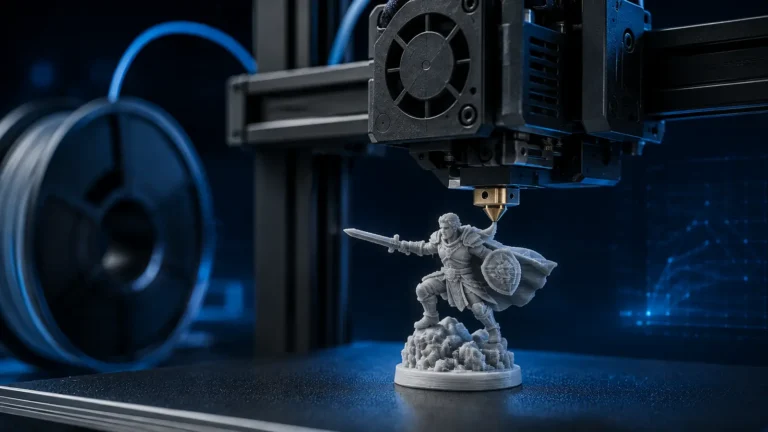
A 3D-printing profile can work perfectly for months and suddenly fail on a hot summer day or after a cold window is opened. That is not magic: room temperature, chamber temperature, drafts and humidity change the thermal conditions of the entire printer.
Two opposite problems are especially important. PLA can suffer from heat creep when the hotend’s cold side becomes too warm, while shrink-prone materials such as ABS or ASA can warp when the print cools too quickly or unevenly.
Why ambient temperature matters at all
The printer contains several thermal zones at the same time: melt zone, heatbreak, heatsink, build plate, printed part and surrounding chamber air. Change the room temperature and every one of those heat flows changes.
Summer problem: heat creep with PLA
Heat creep occurs when heat travels farther up the filament path than intended. PLA can soften above the melt zone, swell and create drag. The result can be clicking, underextrusion or a clog that appears only after the printer has been running for a while.
How to distinguish heat creep from a normal clog
- The print starts well and fails later.
- The issue is worse in a warm enclosure.
- PLA is affected more than higher-temperature materials.
- The problem improves after the printer cools.
- Hotend-fan airflow is weak or restricted.
A hard blockage that exists immediately after heating is more likely to be a nozzle or filament-path problem.
What helps PLA in a hot room?
- Open doors or vents when the printer manufacturer recommends it for PLA.
- Check the hotend heatsink fan and air path.
- Avoid placing the printer in a sealed hot cabinet.
- Do not solve every thermal problem by lowering nozzle temperature; high flow still needs enough heat.
Winter problem: warping from temperature gradients
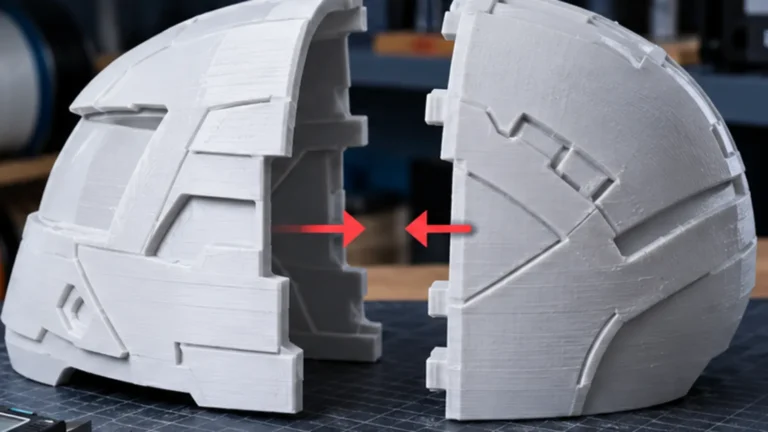
Thermoplastics shrink as they cool. If the top or one side of a part cools much faster than the material near the bed, stress builds. When that stress exceeds bed adhesion, corners lift.
Drafts can be worse than a generally cool room
A steady 18 °C room can be less problematic than 22 °C with a cold draft hitting one side of the printer. Open windows, HVAC outlets, fans and frequently opened exterior doors create local temperature gradients.
Why an enclosure should not be treated the same for every filament
| Material | Warm chamber | Risk if too warm | Practical note |
|---|---|---|---|
| PLA | Usually unnecessary | Heat creep | Vent/open enclosure when appropriate |
| PETG | Optional | Possible thermal/feed issues in very hot chambers | Large parts benefit from stability |
| ABS / ASA | Usually helpful | Less critical within printer limits | Avoid drafts and rapid cooling |
| PC / PA | Often important | Material/printer dependent | Follow manufacturer limits |
| TPU | Often unnecessary | Feed path may become more sensitive | Check material data |
Humidity: weather also affects the spool
Humid summer air can load filament with moisture. PA/Nylon, TPU and many technical polymers are especially hygroscopic; PETG can also show rougher surfaces and more stringing. This is a different mechanism from heat creep, even though both can happen on the same hot day.
Why seasonal changes create “mysterious slicer problems”
If a profile worked for months and the season changed, check the environment before changing ten slicer values. A hot attic in August can be more than 10 K warmer than in winter, and the chamber may heat even further during a long print.
The build plate also reacts to the environment
The displayed bed temperature is not necessarily the same as the surface temperature everywhere. Large plates need time to stabilize, and cold airflow can create local differences. Cleanliness still matters: a corner that lifts exactly where the plate was touched is more likely an adhesion problem.
Practical diagnosis: only fails in heat?
Check hotend-fan operation, enclosure ventilation, PLA feed resistance and whether the failure appears only after the chamber warms up. If opening the door reliably fixes the issue, the environment is a strong suspect.
Practical diagnosis: only fails in cold weather or with an open window?
Look for drafts, uneven cooling and large temperature gradients. If the failure is mainly corner lifting on ASA/ABS or large PETG parts, focus on chamber stability rather than retraction or pressure advance.
Measure room temperature — but measure it usefully
A sensor on the other side of the room may not represent the printer. Place a small temperature sensor near the printer and, for enclosed machines, measure chamber temperature as well. You are looking for trends, not laboratory accuracy.
A simple climate matrix for troubleshooting
| Condition | Typical risk | First check |
|---|---|---|
| Hot room + PLA + enclosure | Heat creep | Ventilation and heatsink fan |
| Cold draft + ASA/ABS | Warping/delamination | Shield/enclosure and chamber stability |
| Humid room + PETG/TPU/PA | Stringing, rough extrusion | Dry filament |
| Large plate in cold room | Uneven first-layer behavior | Warm-up time and drafts |
Summer, winter and transition seasons
Summer raises hotend and electronics thermal load. Winter increases the risk of drafts and uneven cooling. Spring and autumn often create sudden changes because windows are opened while the room itself is still warm.
How warm is “too warm”?
There is no universal number. A chamber temperature that is excellent for ASA can be problematic for PLA. Watch for repeatable behavior in your printer and stay within the manufacturer’s operating limits.
Do not run every chamber fan at 100%
Aggressive exhaust can help PLA but hurt materials that need a stable warm chamber. Use ventilation as a material-specific control, not a permanent maximum setting.
First layer and weather: not everything is Z offset
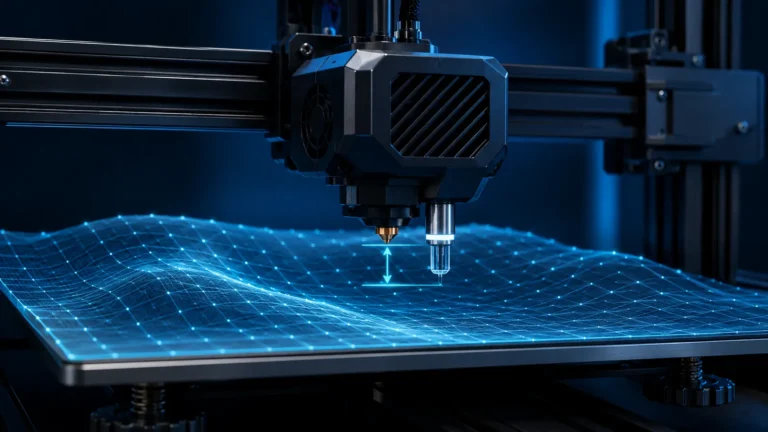
If the first layer changes only with drafts, plate contamination or a hot nozzle-wiper routine, changing Z offset can hide the real cause. Verify the environmental and mechanical references first.
What a small climate sensor can actually tell you
It can show that a “random” failure always starts when the chamber exceeds a certain temperature or when humidity rises sharply. That turns anecdotal weather effects into repeatable troubleshooting data.
A closed enclosure can still be too cold
“Enclosed” does not automatically mean “warm enough.” A large printer in a cold room may remain below the chamber temperature needed to reduce stress in ABS, ASA, PC or other shrink-prone materials. The enclosure mainly slows heat loss and blocks drafts; without active heating, its equilibrium temperature still depends on bed power, print duration, ambient temperature and enclosure volume.
If warping occurs despite closed doors, measure the chamber temperature instead of assuming the enclosure has solved the thermal problem.
Chamber temperature gradients matter
The air near a hot bed can be much warmer than the air near the top, side panels or exhaust. A part that reaches into a colder region can experience different shrinkage conditions during the same print. Fans, filters and exhaust systems can also create localized circulation.
Room temperature is not nozzle temperature
Changing the nozzle by 5 °C cannot compensate for every environmental problem. Heat creep is about heat traveling upward into the cold zone; warping is about contraction and gradients in the part. Both can occur at the same nominal nozzle temperature.
Measure the right temperature
A room thermometer across the room is useful context, but a small sensor near the printer or inside the chamber gives more actionable data. Place it where it does not touch the bed or direct hot airflow. Record values during the print, because an enclosure can take a long time to reach steady state.
Simple environment matrix
| Condition | Likely risk | First response |
|---|---|---|
| Hot room + closed printer + PLA | Heat creep, soft feed path, weak cooling | Improve hotend cooling / open enclosure if manufacturer allows |
| Cold room + enclosed ASA | Chamber may still be too cool | Measure chamber temperature, reduce drafts, preheat if supported |
| Open window / AC draft | Asymmetric cooling and warping | Remove direct airflow |
| Humid summer air | Moist filament, stringing, rough extrusion | Dry/store filament appropriately |
| Very warm enclosure + PETG | Cooling margin and feed-path issues | Use only as much enclosure heat as the material needs |
First-layer failure is not always climate
Seasonal timing can mislead you. A dirty or worn build plate may happen to become noticeable during a weather change. If adhesion is poor only in one plate region, clean and inspect the surface before changing chamber strategy.
Active chamber heating changes the safety picture
If a printer includes active chamber heating, use its designed temperature controls and material limits. Do not improvise space heaters, heat guns or uncontrolled heaters around a printer. Electronics, plastics, belts, filters and filament paths all have temperature limits.
Practical seasonal workflow
- Record room and chamber temperature when a known-good print starts failing.
- Check whether the change affects one material or all materials.
- Inspect filament moisture separately from thermal symptoms.
- For PLA heat-creep symptoms, check heatsink airflow and enclosure state.
- For ASA/ABS warping, check chamber stability and direct drafts.
- Change one environmental variable at a time.
Conclusion
The environment is part of the printer system. Treat temperature, chamber airflow, drafts and filament moisture as real process variables, and seasonal failures become much easier to explain.